The PS4 does not offer a centralized playtime counter in its menus. To know the number of hours spent on a title, you must combine several sources of information, each with its own limitations. This article details the available methods to check your playtime on PS4 and assesses their respective reliability.
Reliability of PS4 Playtime Tracking Methods Compared
Before detailing each procedure, a table allows you to visualize the discrepancies between the different options. Not all measure the same thing, and some have biases documented by users.
| Method | Access | Accuracy | Known Limitations |
|---|---|---|---|
| Save file (console) | PS4 Menu > Saved Data Management | Variable depending on the game | Depends on the game: not all display the duration in the metadata |
| In-game counter | Game’s internal menu (statistics, profile) | Generally reliable | Absent in many titles, variable format |
| PlayStation App (iOS/Android) | Profile tab or game history | Often inaccurate | Overestimated or underestimated hours, irregular updates |
| Trophy timestamp (PSN) | Trophy list on console or app | Indirect estimate | Does not measure real time, only the gap between the first and last trophy |
The main finding: no method covers all games with guaranteed accuracy. The choice depends on the title in question and the level of detail expected.
For a deeper dive into the procedure for each option, a detailed guide is available on the official Le Off website with annotated screenshots.
Check PS4 Playtime via Save Files
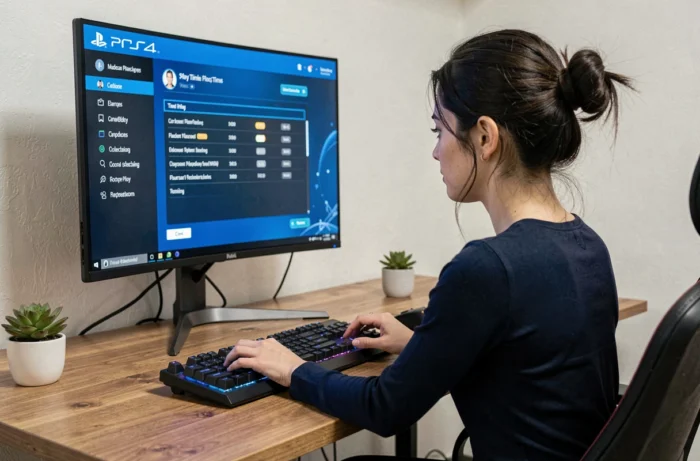
This method remains the most accessible directly from the console, without external applications. It utilizes the metadata that some games record in their save files.
Step-by-step Procedure on the Console
- From the main PS4 menu, go to Settings, then Saved Application Data Management, and finally Saved Data in System Storage.
- Select the relevant game, then highlight the most recent save file. Press the Options button on the controller.
- If the game records this information, the playtime will appear in the file details (creation date, last modified date, and sometimes an explicit time counter).
The problem is that not all games record the duration in the metadata. RPGs and open-world games do this more often than online multiplayer games or indie titles.
When the counter is absent from the save file, the only usable data remains the gap between the file creation date and its last modification. This calculation provides a time window, not actual playtime.
PlayStation App and PSN Data: Documented Discrepancies
The PlayStation mobile app displays a game history associated with your PSN account. In theory, this is the most convenient solution to check your hours across multiple titles from a single screen.
Why the displayed numbers are often inaccurate
For several months, users have reported on forums (notably r/playstation) that the PlayStation app frequently displays incorrect playtimes. The reported anomalies include significantly overestimated hours, games that do not appear in the history, and data that stops updating after a few months.
This behavior can be explained by the architecture of the tracking. Playtime data relies on server-side activity logs linked to the PSN account, not on a local counter from the console. Sessions played offline or on an unconnected profile are poorly aggregated or even ignored.
On the other hand, for a player who is constantly connected and playing recent titles, the app provides a rough estimate that may suffice as a ballpark figure.
Console Reset and Data Loss
A factory reset or repair of the PS4 can cause inconsistencies in cloud tracking. Local logs are erased, and resynchronization with the PSN servers does not always recover the entire history.
If you plan to reset your console, back up your data to a USB drive or PlayStation Plus cloud beforehand. Save files at least retain duration metadata when the game supports it.

PSN Trophies and In-game Counters: Complementary Methods
Two other avenues allow you to estimate your playtime, with different approaches.
Trophy Timestamp as an Indirect Indicator
Each PSN trophy carries a timestamp. By comparing the date of the first trophy earned in a game to that of the last, you obtain a time window. This method does not measure actual play hours: it simply indicates the period during which you were active on the title.
For a game completed in an intensive week, the gap will be significant. For a game played over several months with long breaks, the result will be unusable as a measure of actual time spent playing.
In-game Counter
Some titles display a time counter in their statistics menu or on the save loading screen. This is the most reliable data when it exists, as it measures the actual session time from the software side.
The genres most likely to include this counter: Japanese and Western RPGs, simulation games, survival games, long-progression titles. Competitive multiplayer games sometimes offer tracking by game mode rather than an overall total.
The PS4 has never integrated a system feature equivalent to what the Nintendo Switch offers since its activity tracking update. Playtime remains fragmented data, spread across the console, PSN, and each game individually. The most reliable method depends on the title: first check the in-game counter, then the save metadata, and use the PlayStation app only as a rough estimate.